working with text
Right now Sitecake can work with three different text elements: headings, paragraphs, and bullet lists. Here’s how they work.
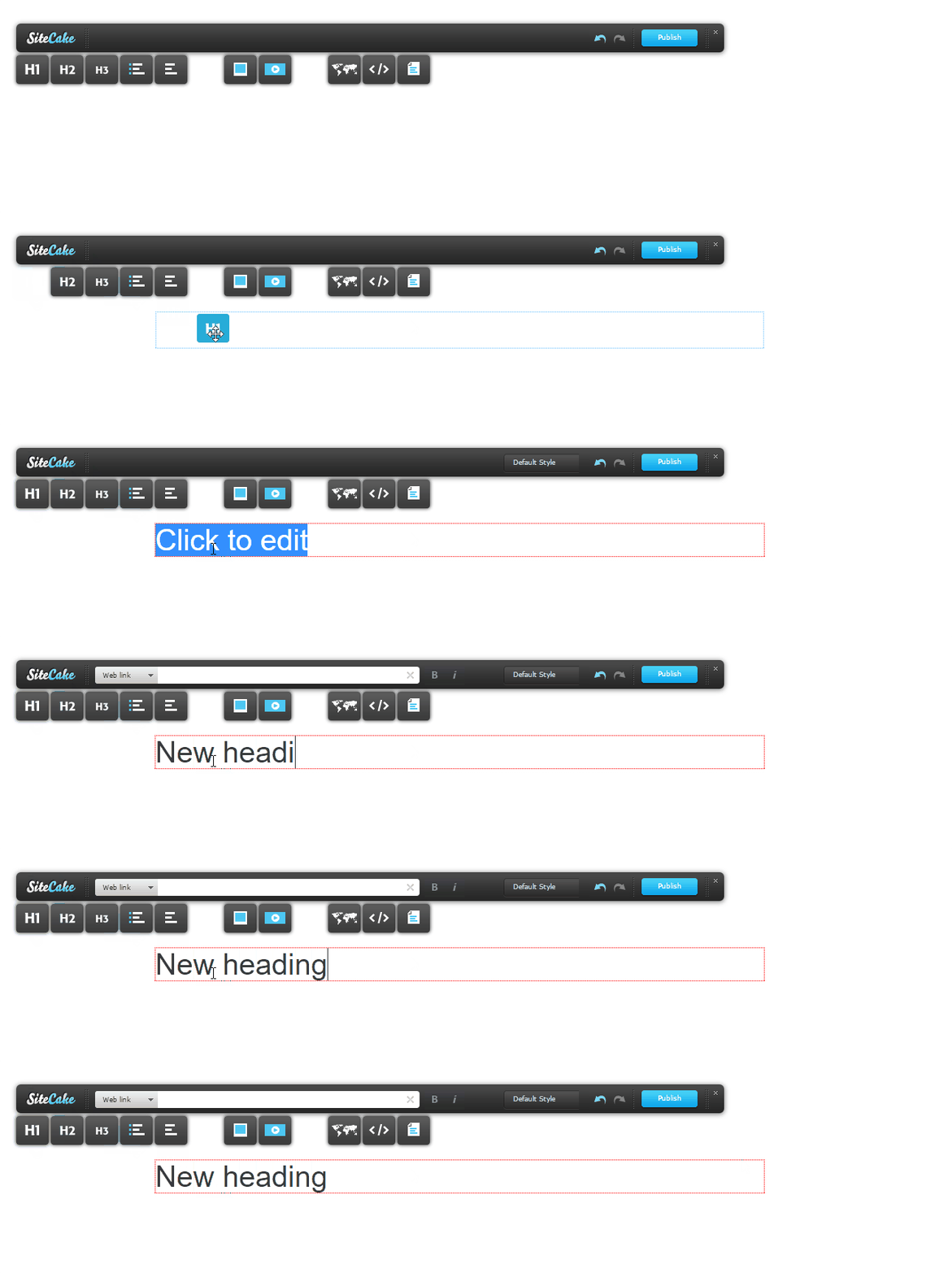
To add a new text element, drag and drop a toolbar icon (heading, text or bullets) onto the page and enter the text. To edit an existing text element, just click the text and edit in place.
Adding styles to text
Template designers can define a number of different CSS user styles for each text element so users can apply them from a toolbar drop-down menu.
To apply inline styles, select a couple of words from a sentence. Once selection is made you can:
- assign text as bold (strong)
- assign text as italic (em)
- add a web link
- add an email link
Text selection will open an address bar in the toolbar where you can paste a web or email address. To create an email link, click the gray area on the left of the address bar to toggle between web and email link. Select the little square icon on the right of the address bar to open a link in a new browser window (target = “_blank”).
To end text editing mode, click anywhere outside of the editable area. Use keyboard shortcuts to edit faster.